Master Your Money with a Budgeting Dashboard
Master your finances with a budgeting dashboard. Gain clarity, track expenses, and hit your financial goals effortlessly.
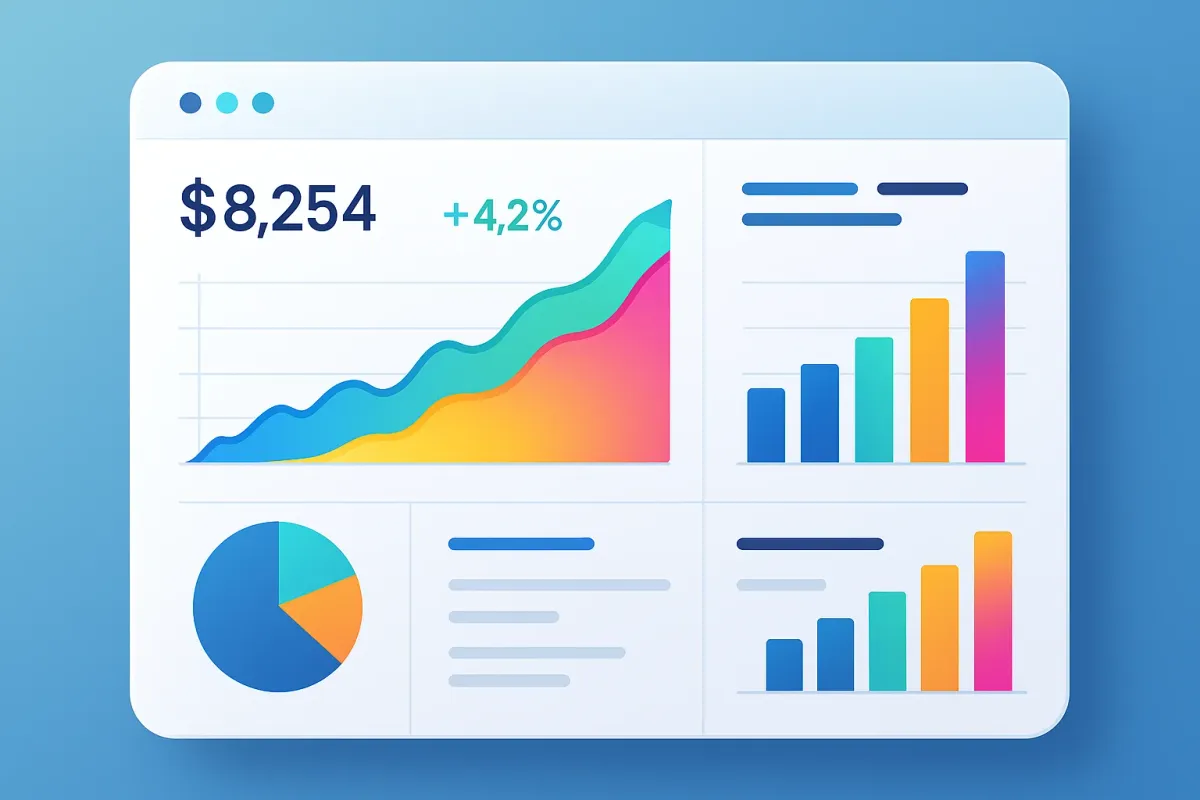
Ever felt like your money is slipping through your fingers and you can't quite figure out where it's going? A budgeting dashboard might just be your new best friend. Imagine having a bird's-eye view of your financial life, where every dollar is accounted for, and decisions are driven by data, not guesswork.
What is a Budgeting Dashboard?
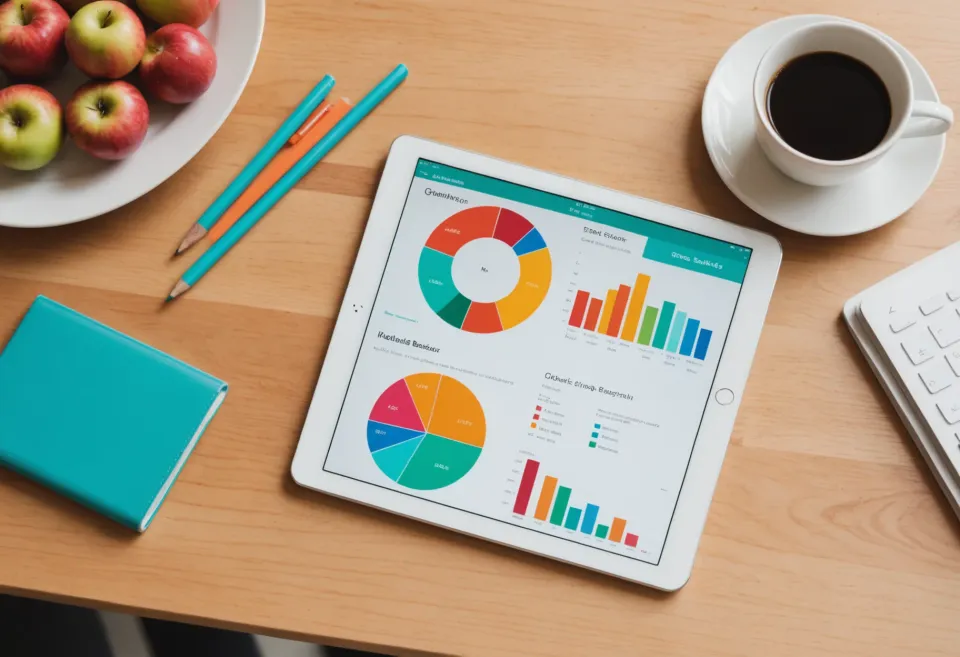
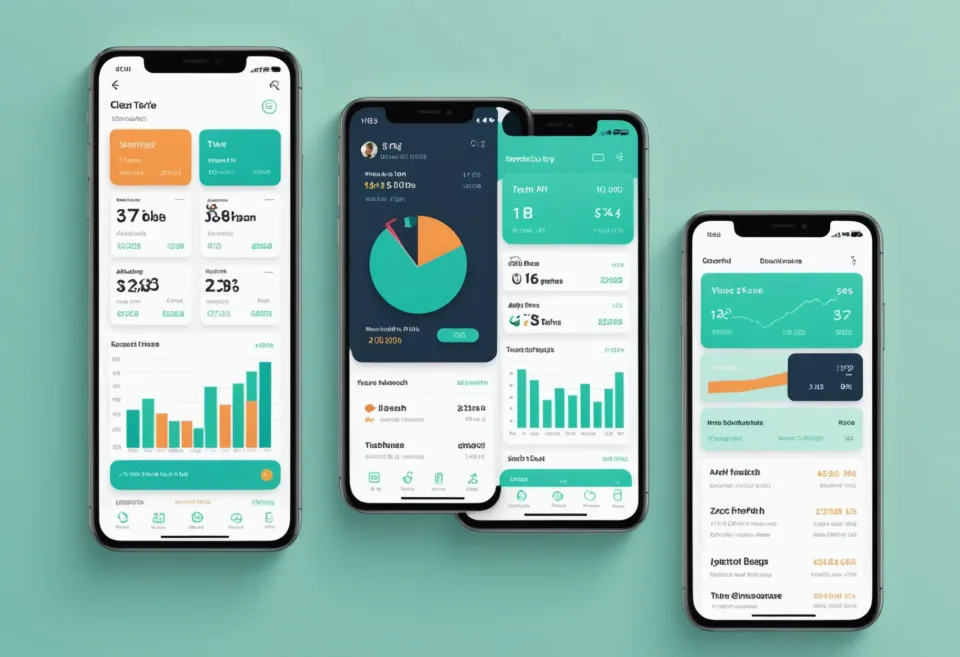
A budgeting dashboard is essentially your financial cockpit, displaying all relevant data you need to manage your money effectively. Think of it as a control panel that aggregates your income, expenses, and savings goals in one place. Instead of juggling multiple spreadsheets or apps, a budgeting dashboard consolidates everything, offering a comprehensive snapshot of your finances.
In my experience, the biggest perk of a budgeting dashboard is the clarity it brings. You can quickly answer questions like "How much did I spend on groceries last month?" or "Am I on track to hit my savings goal?", without diving into transaction histories or manual calculations.
How a Budgeting Dashboard Can Transform Your Finances
If you've ever sat down to track your spending and found it overwhelming, you're not alone. Many people give up on budgeting because it's just too complicated. But a well-designed budgeting dashboard changes the game. Here's how:
1. Real-Time Tracking
With a budgeting dashboard, you're not just looking at static numbers. You're seeing your financial life in real time. This means immediate adjustments can be made. Overspending on dining out? You'll know before it’s too late to curb those habits.
2. Goal Setting and Tracking
Set your financial goals directly within the dashboard and monitor your progress. Whether it's saving for a vacation, paying off debt, or building an emergency fund, tracking these goals visually can be a huge motivator.
3. Expense Categorization
Categorizing expenses might seem tedious, but it's crucial for understanding spending habits. A dashboard automates this process. For more on personal budget expense categories, check out our Mastering Personal Budget Expense Categories article.
4. Customizable Reports
Customize reports to better understand your financial situation. Want to know your monthly spending on utilities compared to last year? Dashboards can generate this data quickly. If you're into deep dives, you might enjoy our Master Money Management: Expense & Budget Tips.
Choosing the Right Budgeting Dashboard
Not all dashboards are created equal. Here’s what to consider when selecting one:
User Interface
The dashboard should be intuitive and easy to navigate. If you find yourself struggling to find basic features, it might not be the right fit.
Integration
A good dashboard should integrate seamlessly with your bank accounts and credit cards, minimizing manual entries. This integration keeps your data current and reduces the risk of errors.
Mobile Access
In our fast-paced world, having mobile access is crucial. You need to be able to check your financial health on the go, whether you're shopping or planning a vacation.
For a comprehensive list of tools that might suit your needs, our Best AI Powered Budgeting Apps Compared offers some great insights.
How to Set Up Your Budgeting Dashboard
Setting up your dashboard might seem daunting, but with the right steps, you can get it up and running smoothly:
1. Gather Financial Information
Before you start, gather all necessary financial information, including bank account details, income statements, and recurring expenses.
2. Choose Your Platform
Decide on the platform that best meets your needs. Whether it's a dedicated app, a web-based service, or a spreadsheet, make sure it aligns with your financial goals.
3. Input Data
Manually input or sync your financial data. This might take a bit of time initially, but once done, your dashboard will be ready to offer insights.
4. Regularly Update
A dashboard is only as good as the data it holds. Make it a habit to update your information regularly to ensure your financial snapshot is accurate.
How Much Does a Budgeting Dashboard Cost?
Budgeting dashboards can range from free to subscriptions costing over $100 annually. Free versions often provide basic features, while paid versions offer advanced analytics and customization options. Determine what features are crucial for you and balance that against your budget.
Frequently Asked Questions
What is a budgeting dashboard?
A budgeting dashboard is a tool that provides a visual overview of your financial situation, including income, expenses, and savings. It consolidates data from various sources to offer a comprehensive view of your finances.
How do I create a budgeting dashboard?
Begin by selecting a platform that suits your needs, gather your financial data, and input or sync it with the dashboard. Regular updates will keep your dashboard effective.
Are budgeting dashboards free?
Some are free with limited features, while others require a subscription for full functionality. Evaluate your needs to decide which version aligns with your financial goals.
Can a budgeting dashboard help me save money?
Absolutely! By offering a clear picture of your spending, a budgeting dashboard helps identify areas where you can cut back and save.
What is the best budgeting dashboard?
The best dashboard varies by individual needs. Some prefer simple interfaces, while others need comprehensive analytics. KlutterAI offers a solution that automates financial data management for those who want hassle-free tracking.
Using a budgeting dashboard can be a game-changer in managing your money. If you want something that handles this automatically, KlutterAI does an excellent job of managing and visualizing your financial data without the manual hassle.