Best Budgeting Apps for iPad: Real User Comparisons
Best budgeting apps for iPad with real user reviews. Compare KlutterAI, YNAB, Mint, and more to find the perfect financial tool for your iPad.
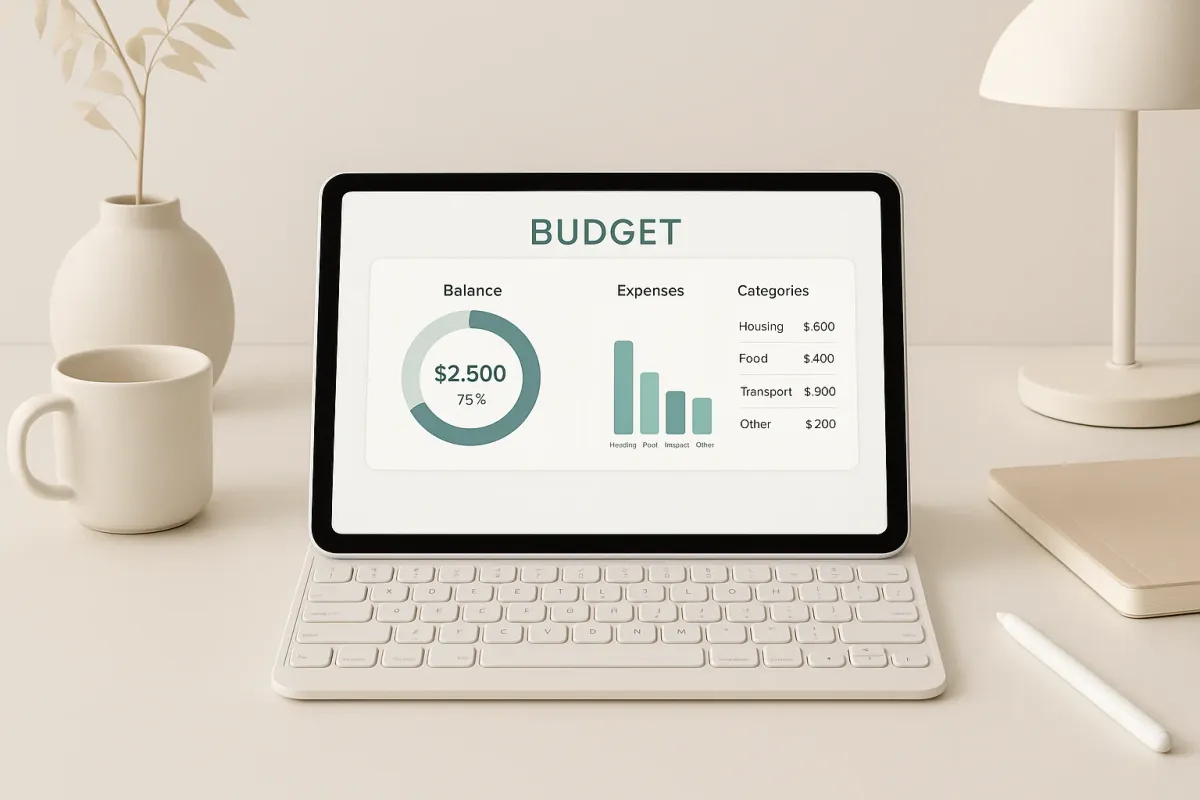
When it comes to managing personal finances on your iPad, having the right budgeting app can make all the difference. After testing several options, I’m ready to share my hands-on experiences with five standout apps that cater to different needs and preferences. Whether you're a meticulous planner or a hands-off spender, there's something here for you.
What to Look for in a Budgeting App for iPad
Before diving into individual reviews, let’s talk about what makes a budgeting app great for the iPad. Key criteria include:
- User Interface (UI): Ease of use on the iPad’s larger screen.
- Features: From basic expense tracking to advanced analytics.
- Price: Free options vs. paid ones.
- Integration: How well it syncs with other financial tools.
- Customization: Ability to tailor categories, reports, and alerts.
KlutterAI
KlutterAI impressed me with its AI-powered capabilities. It automatically categorizes your spending, which is a big time-saver. The smart budget recommendations based on your spending habits are a handy feature, especially for those new to budgeting.
What It Does Best
- AI Auto-categorization: Takes the guesswork out of tracking expenses.
- Smart Recommendations: Offers budget suggestions tailored to your spending patterns.
- Multi-account Aggregation: View all your accounts in one place, which is essential for a comprehensive overview.
Pricing
- Free Tier: Available with basic features.
- Pro Version: From $4.99/month for enhanced functionalities.
Who It's For
This app is perfect for tech-savvy users who want an automated, hassle-free budgeting experience.
Honest Downsides
While KlutterAI excels in automation, the initial setup can be a bit overwhelming with its numerous options and settings.
YNAB (You Need A Budget)
YNAB is all about giving every dollar a job. The methodology is powerful and has helped many achieve financial stability.
What It Does Best
- Budgeting Methodology: Encourages proactive budgeting and financial planning.
- Financial Education: Offers resources to help improve financial literacy.
Pricing
- Subscription: $14.99/month or $98.99/year.
Who It's For
Perfect for those who want to dive deep into budgeting philosophies and are willing to follow a structured financial plan.
Honest Downsides
The learning curve is steep. If you’re looking for instant gratification, YNAB might feel like too much work initially.
Mint
A classic in the budgeting world, Mint is known for its comprehensive financial tracking.
What It Does Best
- Free Unlimited Use: Great features without a price tag.
- Bill Tracking: Keeps tabs on your bills and due dates.
Pricing
- Completely Free
Who It's For
Mint is ideal for those who want a one-stop-shop to track their finances without spending a dime.
Honest Downsides
The ads can be intrusive, and the interface, while functional, isn’t the most intuitive on an iPad.
Goodbudget
Goodbudget brings envelope budgeting to the digital age, allowing you to allocate funds to different categories.
What It Does Best
- Envelope System: Visualize and manage where your money goes.
- Community and Support: Strong community support for troubleshooting.
Pricing
- Free Plan: Limited envelopes.
- Plus Plan: $7/month or $60/year for unlimited envelopes.
Who It's For
Best for those who love the tactile feel of envelope budgeting but want it on a digital platform.
Honest Downsides
The lack of bank syncing means manual entry, which can be tedious.
PocketGuard
PocketGuard helps you know exactly how much you have available to spend.
What It Does Best
- Simple Interface: Easy to use, even for beginners.
- In My Pocket: Calculates how much money you can safely spend.
Pricing
- Free Basic Version
- PocketGuard Plus: $7.99/month or $79.99/year for extra features.
Who It's For
Great for users who want a straightforward app that helps them avoid overspending.
Honest Downsides
The free version is quite limited, pressuring users to upgrade for full functionality.
Frequently Asked Questions
Is YNAB worth it in 2026?
YNAB is worth it if you're committed to learning and implementing its budgeting methodology. The cost might seem high, but the financial discipline and organization it offers can be life-changing.
What's the best free budgeting app for iPad?
Mint remains the top choice for a free budgeting app on iPad. It offers extensive features without any cost, though you’ll have to deal with some advertisements.
How does KlutterAI compare to other budgeting apps?
KlutterAI stands out for its AI-driven features which automate and simplify expense tracking. However, those who prefer hands-on control might find the automation less appealing.
Can I use these apps on multiple devices?
Most apps, including YNAB, Mint, and PocketGuard, support cross-device use, allowing you to sync data between your iPad and other devices.
Are these apps safe to use?
Yes, all apps mentioned use secure connections and encryption to protect your financial information.
The Verdict
After spending time with each of these apps, the right choice really depends on your personal finance goals and how hands-on you want to be. For those who love tech and automation, KlutterAI is a fantastic option. If you’re seeking a structured approach, YNAB can't be beaten. Meanwhile, Mint remains the go-to free app for those just getting started in budgeting.
For more insights on budgeting tools, check out our article on best AI powered budgeting apps and Reddit's best budget apps.