Best Apps for Tracking Personal Expenses in 2025
Tested 9 of the best apps for tracking personal expenses. Honest comparison of YNAB, Mint, Copilot, Monarch & more—with real pros, cons, and pricing.
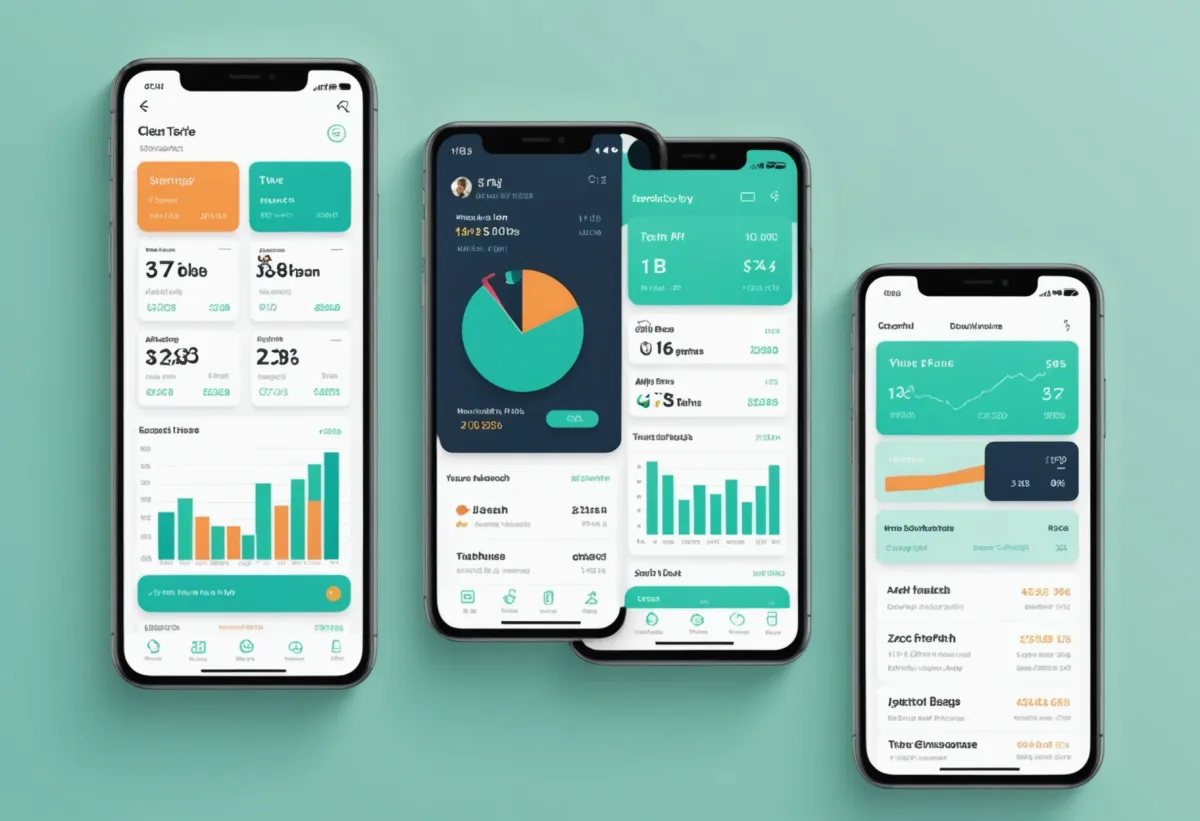
I've been testing expense tracking apps for over six years now. What started as a desperate attempt to figure out why I was always broke by the 20th of the month turned into something of an obsession. I've tried the big names, the indie darlings, the spreadsheet-app hybrids, and everything in between.
Here's what I've learned: the best apps for tracking personal expenses aren't necessarily the ones with the most features. They're the ones you'll actually use. That might sound obvious, but I've watched friends download Mint, set it up meticulously, then never open it again. The app wasn't bad—it just didn't fit how they think about money.
So instead of ranking these apps by some arbitrary scoring system, I'm going to break down what each one does well, who it's actually for, and where it falls short. Because the right expense tracker for a freelancer juggling multiple income streams is completely different from what a couple needs to manage shared finances.
How I Evaluated These Expense Tracking Apps
Before diving into individual apps, here's what I looked for:
Ease of daily use. Does logging an expense take 5 seconds or 30? This matters more than anything else.
Bank sync reliability. If an app promises automatic transaction imports, it needs to actually work. I've dealt with apps that lose connection every week—infuriating.
Categorization accuracy. Auto-categorization sounds great until your app thinks every Venmo payment is "Entertainment."
Reporting clarity. Can you quickly see where your money went last month without a PhD in data visualization?
Price vs. value. Free apps with ads aren't really free if they're annoying enough to make you stop using them.
I also considered how well each app handles flexible expenses—those variable costs like groceries, entertainment, and dining out that actually determine whether you stay on budget.
YNAB (You Need A Budget)
YNAB isn't just an expense tracker—it's a whole philosophy wrapped in an app. The core idea is "give every dollar a job," which means you're budgeting proactively rather than just watching where money went.
What it does best: Forces you to be intentional. When you get paid, you assign that money to categories before spending it. This forward-thinking approach has genuinely changed how I relate to money. The "age of money" metric—showing how long dollars sit before you spend them—is surprisingly motivating.
Pricing: $14.99/month or $99/year. There's a 34-day free trial.
Who it's for: People who want to fundamentally change their relationship with money, not just track it. If you're living paycheck to paycheck and want to break that cycle, YNAB's methodology is powerful. It's also excellent for anyone following a flow-based budgeting approach.
Honest downsides: The learning curve is real. I spent my first week confused about why my categories kept showing negative numbers. The price also stings—$99/year is a lot when free alternatives exist. And if you just want passive expense tracking, YNAB is overkill. It demands engagement.
Mint (Now Credit Karma)
Mint's transition to Credit Karma in 2024 was rocky, and I'll be honest—the experience isn't what it used to be. But for completely free expense tracking with bank sync, it's still a viable option.
What it does best: Aggregates all your accounts in one place without charging you anything. You can see checking, savings, credit cards, loans, and investments on a single dashboard. The bill reminder feature has saved me from late fees more than once.
Pricing: Free (ad-supported, with credit product recommendations).
Who it's for: People who want a basic financial dashboard without paying anything. If you're starting your expense tracking journey and aren't ready to commit to a paid app, this works.
Honest downsides: The Credit Karma integration means you'll see a lot of credit card and loan offers. The app clearly wants you to open new accounts. Transaction categorization has gotten worse since the transition—I've noticed more miscategorized transactions than before. Also, the budgeting features are basic. You can set category limits, but there's no envelope system or advanced methodology.
KlutterAI
KlutterAI is a newer player that takes a different approach: instead of making you do the work, it uses AI to automatically categorize and analyze your spending.
What it does best: The auto-categorization is genuinely impressive. After connecting my accounts, it correctly identified that my "Amazon" transactions were split between household items, electronics, and gifts—something other apps lump together. The smart budget recommendations are useful if you're not sure how much you should be spending in each category. It analyzes your patterns and suggests realistic targets.
Pricing: Free tier available with basic features. Pro starts at $4.99/month for unlimited accounts and advanced insights.
Who it's for: People who want expense tracking to happen automatically without constant manual input. If you've tried budgeting apps before and stopped using them because they felt like homework, KlutterAI removes most of that friction. Also great for anyone who wants insights without building complex reports themselves.
Honest downsides: It's newer, so the feature set isn't as comprehensive as YNAB or Copilot. If you want detailed investment tracking or debt payoff planning, you'll need to look elsewhere. The AI recommendations, while helpful, can feel generic if your financial situation is unusual.
Copilot Money
Copilot is the expense tracker I recommend most often to iPhone users who want something premium and polished.
What it does best: The design is beautiful—genuinely enjoyable to use, which sounds superficial but matters for daily engagement. Transaction sync is fast and reliable. The spending insights are presented clearly, and you can drill down into specific merchants or time periods easily. The net worth tracking is also excellent if you want a complete financial picture.
Pricing: $10.99/month or $69.99/year after a free trial.
Who it's for: iOS users (no Android version) who value design and are willing to pay for a polished experience. If you've ever looked at a financial app and thought "this is ugly," Copilot is the antidote.
Honest downsides: iOS only—Android users are completely out of luck. The price is steep compared to competitors. And while it looks great, the actual budgeting methodology is fairly basic. You won't get YNAB's envelope system or Monarch's flexibility.
Monarch Money
Monarch positions itself as the "modern Mint replacement," and it largely delivers. This is what I'd recommend to couples or families who need to track finances together.
What it does best: Collaboration features are top-tier. Both partners get full access, can see the same data, and can work together on budgets. The flexibility is impressive—you can customize categories, create rules for auto-categorization, and set up recurring transactions. The reports are detailed without being overwhelming.
Pricing: $14.99/month or $99/year. 7-day free trial.
Who it's for: Couples and families who need shared visibility into finances. Also great for anyone who wants more customization than basic apps offer. If you've been using a shared budget app but want something more comprehensive, Monarch is worth considering.
Honest downsides: The price matches YNAB but without the distinctive methodology—you're paying for polish and collaboration features. Single users might find it overkill. The mobile app, while functional, isn't as refined as the web experience.
PocketGuard
PocketGuard's main selling point is the "In My Pocket" feature—a single number showing what you can safely spend after bills, goals, and necessities.
What it does best: Simplicity. If you just want to know "can I afford this coffee?" without checking multiple categories, PocketGuard gives you one number. The debt payoff planner is also useful, showing how different payment strategies affect your timeline.
Pricing: Free basic version. PocketGuard Plus is $7.99/month or $34.99/year.
Who it's for: People who get overwhelmed by detailed budgets and just want a simple answer. If traditional budgeting apps make your eyes glaze over, PocketGuard's approach might click.
Honest downsides: The simplicity cuts both ways. If you want detailed category breakdowns or custom reports, you'll hit limitations quickly. The free version has ads and limited features. Bank sync can be spotty with smaller institutions.
Goodbudget
Goodbudget is a digital envelope system that doesn't connect to your bank accounts at all—you manually enter every transaction.
What it does best: Forces awareness. There's something powerful about typing in every purchase. You can't ignore your spending when you're logging it by hand. The envelope visualization makes it easy to see exactly how much is left in each category. Syncs across devices, so couples can share envelopes.
Pricing: Free version with 10 envelopes. Plus version is $8/month or $70/year for unlimited envelopes and more features.
Who it's for: People who want maximum awareness of their spending and don't mind manual entry. Also good for cash-heavy lifestyles where bank sync wouldn't capture everything anyway. If you've read about the envelope budgeting method and want to try it digitally, this is the app.
Honest downsides: Manual entry is a dealbreaker for many people. If you make 50+ transactions a month, logging each one gets tedious. No automatic insights or reports—you're doing the analysis yourself.
Rocket Money (formerly Truebill)
Rocket Money started as a subscription cancellation service and evolved into a full expense tracker.
What it does best: Finding subscriptions you forgot about. The app scans your transactions and surfaces recurring charges, then helps you cancel ones you don't want. The bill negotiation service (they'll call companies and negotiate lower rates for you) is unique. Basic expense tracking and budgeting features are solid.
Pricing: Free basic version. Premium is $4-12/month (you choose what to pay, which is unusual).
Who it's for: People who suspect they're bleeding money on forgotten subscriptions. If you haven't audited your recurring charges recently, Rocket Money will probably pay for itself immediately. If you're also interested in tracking your complete financial picture, check out our guide on cash flow tracking.
Honest downsides: The premium pricing model is confusing—higher tiers get "premium support" but the core features are similar. The expense tracking itself is basic compared to dedicated apps. And the subscription cancellation feature, while useful, is a one-time benefit for most people.
Empower Personal Dashboard (formerly Personal Capital)
Empower is technically a wealth management company that offers a free financial dashboard. It's the best option if investment tracking is your priority.
What it does best: Investment analysis. The retirement planner, fee analyzer, and portfolio allocation tools are genuinely useful and completely free. You get a comprehensive view of your net worth across all accounts. The net worth tracking is particularly detailed.
Pricing: Free for the dashboard. They make money by offering wealth management services to high-net-worth users.
Who it's for: People with significant investments who want to track everything in one place. If your financial picture includes retirement accounts, brokerage accounts, and real estate, Empower handles it all.
Honest downsides: The expense tracking and budgeting features are an afterthought. If your main goal is tracking daily spending, this isn't the app. You will get calls from their advisory service if you have substantial assets—some people find this annoying.
Quick Comparison Table
| App | Best For | Price | Bank Sync | Learning Curve |
|---|---|---|---|---|
| YNAB | Changing spending habits | $99/year | Yes | Steep |
| Mint/Credit Karma | Free basic tracking | Free | Yes | Easy |
| KlutterAI | Automatic categorization | Free-$4.99/mo | Yes | Easy |
| Copilot | iOS users wanting polish | $69.99/year | Yes | Easy |
| Monarch | Couples/families | $99/year | Yes | Moderate |
| PocketGuard | Simplicity | Free-$34.99/year | Yes | Easy |
| Goodbudget | Manual envelope budgeting | Free-$70/year | No | Moderate |
| Rocket Money | Subscription management | $4-12/month | Yes | Easy |
| Empower | Investment tracking | Free | Yes | Easy |
Frequently Asked Questions
What is the best free app for tracking expenses?
For completely free expense tracking with bank sync, Mint (now Credit Karma) remains the most comprehensive option. However, KlutterAI offers a solid free tier with better auto-categorization. If you don't need bank sync, Goodbudget's free version with 10 envelopes works well for manual tracking.
Is YNAB worth the money?
YNAB is worth $99/year if you'll actually use its methodology—assigning every dollar a job before spending it. Users who embrace the system often report saving the subscription cost many times over. But if you just want passive expense tracking, you're paying for features you won't use. Try the 34-day free trial to see if the approach clicks for you.
What's the best expense tracker for couples?
Monarch Money is the best option for couples who need shared access to budgets and accounts. Both partners get full visibility, can edit budgets together, and see real-time updates. Goodbudget also works well for couples who prefer envelope budgeting and don't mind manual entry.
Do expense tracking apps actually help you save money?
Yes, but only if you use them consistently. Studies show that simply tracking expenses increases awareness and typically reduces spending by 10-15%. The key is choosing an app that fits your habits—a powerful app you never open won't help. Start with something simple and upgrade if you need more features.
Are expense tracking apps safe to connect to my bank?
Reputable expense tracking apps use bank-level encryption and read-only connections—they can see your transactions but can't move money. Apps like YNAB, Monarch, and Copilot use Plaid or similar services that major banks trust. That said, if security concerns you, Goodbudget's manual-entry approach avoids bank connections entirely.
The Verdict: Which App Should You Choose?
After testing all of these extensively, here's my honest take:
If you want to transform your finances, YNAB's methodology is unmatched—but only if you'll commit to learning it.
If you want automatic tracking without effort, KlutterAI does the heavy lifting with AI categorization that actually works.
If you're an iPhone user who values design, Copilot is the most enjoyable expense tracker I've used.
If you're tracking finances with a partner, Monarch Money's collaboration features are worth the price.
If you want free and simple, start with Mint or PocketGuard's free tier.
If you have investments to track, Empower's free dashboard is genuinely excellent.
The best expense tracking app is the one you'll actually open every day. Start with a free trial, use it for two weeks, and pay attention to whether it feels like a chore or a tool. That gut reaction tells you more than any feature comparison.