Best Budget App for iPad in 2025: 7 Apps Actually Worth Using
Tested 7 budget apps on iPad to find which actually use the big screen well. YNAB, Copilot, Monarch & more compared with honest pros and cons.
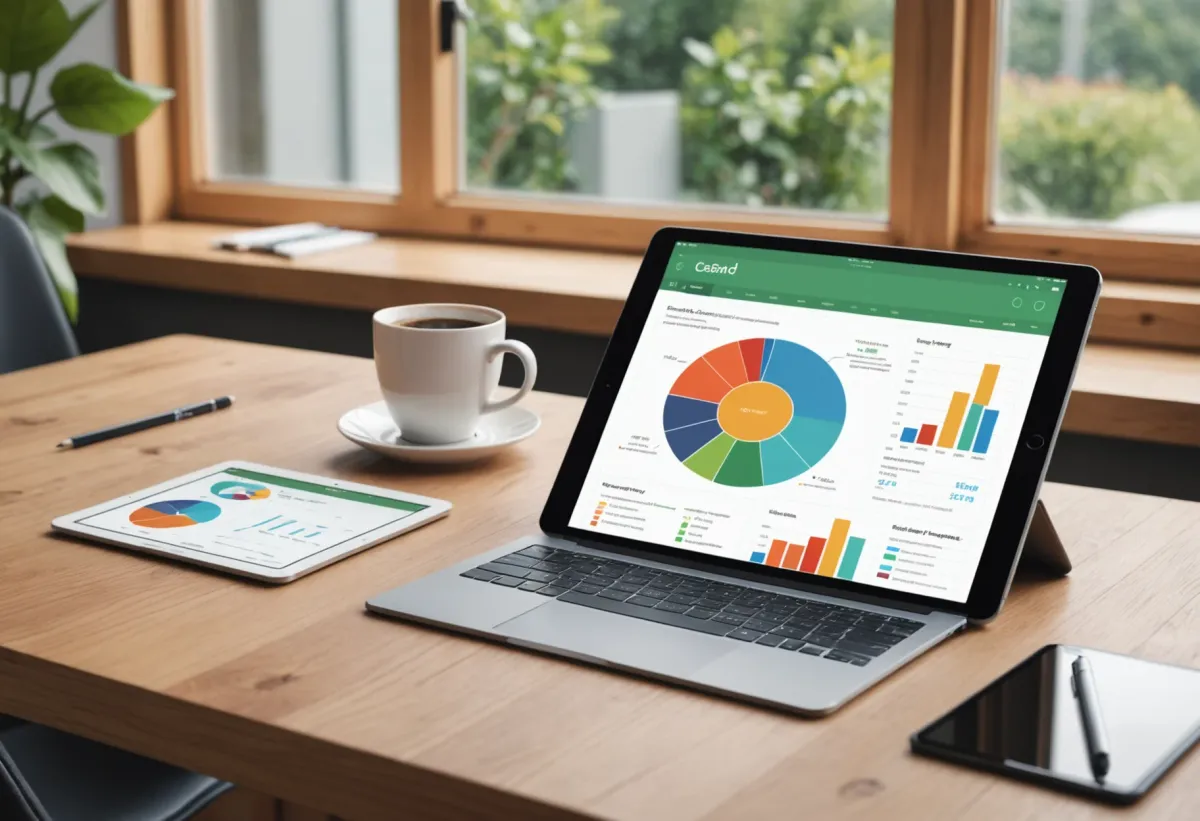
If you've ever tried managing your budget on an iPhone, you know how cramped it feels. Spreadsheets become unreadable, charts look like postage stamps, and you end up squinting at numbers that blur together. That's exactly why finding the right budget app for iPad matters — you've got that gorgeous screen real estate, and the right app can turn it into a proper financial command center.
I've spent the last three months testing every major budgeting app on my iPad Pro, and honestly? Most of them are just blown-up iPhone apps. But a handful actually take advantage of what the iPad offers — Split View support, Apple Pencil integration, better data visualization. Here's what I found.
What Makes a Great Budget App for iPad?
Before diving into specific apps, let's talk about what separates a good iPad budgeting experience from a mediocre one:
Screen optimization — Does it use the larger display intelligently, or does it just stretch an iPhone interface? The best apps show more data at once, use multi-column layouts, and don't waste space.
Split View and Slide Over — Being able to drag expenses from your bank's app or reference receipts while logging transactions is huge. Apps that don't support multitasking feel dated.
Apple Pencil support — Not essential, but surprisingly useful for annotating budgets or quickly jotting notes on transactions.
Keyboard shortcuts — If you use your iPad with a Magic Keyboard, good keyboard navigation makes data entry dramatically faster.
Sync reliability — Most people use their iPad as a secondary device. Syncing with your phone needs to be seamless.
1. YNAB (You Need A Budget)
What It Does Best
YNAB remains the gold standard for zero-based budgeting, and their iPad app is genuinely excellent. The interface uses a proper two-column layout that shows your budget categories on the left and transaction details on the right. You can see your entire financial picture without endless scrolling.
What really impressed me was the keyboard shortcut support. If you're using an iPad with a keyboard case, you can navigate categories, enter amounts, and move money around without touching the screen. It feels like using a desktop app.
Pricing
$14.99/month or $99/year after a 34-day free trial. Not cheap, but they're transparent about it.
Who It's For
People who want to assign every dollar a job. YNAB's method takes commitment — you're not just tracking spending, you're planning it in advance. If you've struggled with impulse purchases or living paycheck to paycheck, this approach can be transformative.
Honest Downsides
The learning curve is real. YNAB's four rules sound simple but take time to internalize. I've seen people bounce off it twice before it finally clicked. Also, the price is steep compared to free alternatives — you need to actually use the system for it to be worth $100/year.
2. Copilot Money
What It Does Best
Copilot was designed Apple-first, and it shows. The iPad app is gorgeous — clean typography, smooth animations, and charts that actually make sense on a larger screen. It supports Split View beautifully, and the way it handles transaction categorization feels native to iPadOS.
The spending insights are particularly well-presented on iPad. You get these rolling 30-day trend charts that would be cramped on a phone but look great with more space. The "Insights" tab surfaces patterns I wouldn't have noticed otherwise, like how my grocery spending creeps up in winter.
Pricing
$10.99/month or $69.99/year. No free tier, but there's a 2-week trial.
Who It's For
Apple ecosystem devotees who want something that feels like it belongs on their iPad. If design matters to you and you're willing to pay for polish, Copilot delivers.
Honest Downsides
No Android or web version, so you're locked into Apple devices. Bank connections can be finicky — I had to reconnect my credit union twice in three months. And the subscription price for what's essentially a tracker (not a full planning tool like YNAB) feels aggressive.
3. Monarch Money
What It Does Best
Monarch takes a different approach — it's built for households. The iPad app shines when you're sitting down with a partner to review finances together. The screen shows both your individual and combined views, and the goal-tracking features are genuinely useful for couples saving toward shared objectives.
The cash flow forecasting is excellent on iPad. You can see projections weeks out, with enough screen space to actually understand the data. It also handles flexible expenses really well, letting you set variable category limits based on historical spending.
Pricing
$14.99/month or $99.99/year. They occasionally run annual discounts.
Who It's For
Couples and families who need to manage money together. The collaboration features are the best I've tested — you can assign categories to different people, track who's spending what, and have shared visibility without awkward workarounds.
Honest Downsides
Solo users won't get much value from the collaboration features they're paying for. The iPad app, while good, doesn't feel as optimized as Copilot's — it's more of a competent universal app than something designed specifically for the larger screen.
4. KlutterAI
What It Does Best
KlutterAI takes a different approach than traditional budgeting apps. Instead of making you manually categorize everything, it uses AI to automatically sort your transactions and spot patterns you might miss. On iPad, the AI-generated spending insights display nicely with enough room to show context around each recommendation.
What I found genuinely useful was the smart budget recommendations. After connecting my accounts, it analyzed three months of data and suggested category limits that actually reflected my spending patterns — not arbitrary numbers. The multi-account aggregation worked smoothly with my checking, savings, and two credit cards.
Pricing
Free tier available with basic features. Pro starts at $4.99/month for AI categorization and advanced insights.
Who It's For
People who want budgeting to feel more automated. If you've tried YNAB or similar apps and found the manual categorization tedious, the AI approach removes that friction. It's also a solid entry point if you're curious about AI budget planners but don't want to commit to expensive subscriptions.
Honest Downsides
The AI isn't perfect — it occasionally miscategorizes transactions, especially for small local businesses. The iPad app is functional but not as polished as Copilot or YNAB. And if you want the envelope budgeting methodology, this isn't the right tool — it's more of a smart tracker than a planning system.
5. Goodbudget
What It Does Best
Goodbudget is the digital envelope system done right. The iPad interface shows your envelopes as actual visual containers that fill up as you allocate money. It's satisfying in a way that spreadsheets aren't, and the larger screen means you can see all your envelopes at once.
The sync between devices is rock-solid. I tested adding a transaction on my iPad while my phone was open, and it appeared within seconds. For couples sharing a budget, this real-time sync matters.
Pricing
Free version with 10 envelopes. Plus is $8/month or $70/year for unlimited envelopes and bank sync.
Who It's For
Envelope budgeting purists who want a digital version of the cash system. If you've tried physical envelopes and liked the concept but hated carrying cash, Goodbudget translates that method effectively.
Honest Downsides
The interface feels dated compared to newer apps. No automatic bank imports on the free tier means manual entry for everything. And the envelope metaphor, while intuitive for some, can feel restrictive if your spending doesn't fit neatly into categories.
6. PocketGuard
What It Does Best
PocketGuard's killer feature is the "In My Pocket" number — after accounting for bills, goals, and necessities, it tells you exactly what's safe to spend. On iPad, this displays prominently with a clear breakdown of how it's calculated.
The bill tracking is excellent. It learns your recurring expenses and warns you before they hit, which has saved me from overdraft fees more than once. The iPad version shows upcoming bills in a timeline view that's much clearer than the phone layout.
Pricing
Free tier available. Plus is $7.99/month or $34.99/year (often discounted).
Who It's For
People who just want to know: "Can I afford this?" If detailed budgeting feels overwhelming, PocketGuard's simplified approach cuts through the complexity. It's also solid for tracking cash flow without getting lost in category minutiae.
Honest Downsides
The free version pushes premium features aggressively. Bank connections drop more often than competitors in my testing. And the simplicity that makes it accessible also means power users will hit limitations quickly.
7. Actual Budget
What It Does Best
Actual is for the privacy-conscious and technically inclined. It's open-source, runs locally (or on your own server), and your data never touches someone else's servers. On iPad, you access it through the browser, but it's a Progressive Web App that works offline.
The budgeting system is heavily inspired by YNAB's methodology but without the subscription. Once you get it set up, you own your data completely.
Pricing
Free and open-source. Optional paid sync service for $5/month if you don't want to self-host.
Who It's For
Tech-savvy users who prioritize privacy and don't mind some setup complexity. If you're uncomfortable with apps having access to your bank credentials, Actual's local-first approach is refreshing.
Honest Downsides
No native iPad app — you're using a web app, which means no offline access without extra setup. Bank sync requires a separate service (Plaid or SimpleFIN) that costs extra. The learning curve is steeper than polished commercial apps.
How to Choose the Right Budget App for Your iPad
After testing all of these, here's my quick decision framework:
Choose YNAB if: You want to transform your relationship with money and will commit to learning the system.
Choose Copilot if: Design matters and you're all-in on Apple devices.
Choose Monarch if: You're budgeting with a partner or family.
Choose KlutterAI if: You want AI to handle categorization and hate manual data entry.
Choose Goodbudget if: The envelope system clicks for you.
Choose PocketGuard if: You just want to know what's safe to spend.
Choose Actual if: Privacy is paramount and you're technically comfortable.
Frequently Asked Questions
What is the best free budget app for iPad?
PocketGuard offers the most usable free tier for iPad users, with automatic bank sync and the "In My Pocket" spending limit feature included. Goodbudget's free version is also solid if you don't mind manual transaction entry and can work within 10 envelope categories.
Is YNAB worth it for iPad users?
Yes, if you'll actually use the zero-based budgeting method. YNAB's iPad app is one of the best-optimized in the category, with proper keyboard shortcuts and a two-column layout. The $99/year price pays for itself if it helps you save even $10/month through better awareness.
Can I use my budget app on iPad and iPhone together?
All the apps listed here sync between devices. YNAB, Copilot, Monarch, KlutterAI, Goodbudget, and PocketGuard all have dedicated iPhone apps that stay in sync. Actual requires a sync server but works across all your devices once configured.
Do budget apps for iPad support Apple Pencil?
Most budget apps don't have deep Apple Pencil integration. YNAB and Monarch support basic Pencil input for notes, but none offer handwriting-to-text for transaction entry. The Pencil is most useful for annotating exported reports or using alongside your budget app in Split View.
Which budget app has the best iPad interface?
Copilot Money has the most polished iPad-specific design, with native iPadOS features and beautiful data visualization. YNAB comes close with its functional two-column layout and keyboard support. Most other apps are competent but feel like scaled-up iPhone apps.
The Verdict
There's no single best budget app for iPad — it depends entirely on how you think about money. I keep coming back to YNAB for serious budgeting work because the iPad interface is genuinely excellent and the methodology works. But when I just want a quick spending check, PocketGuard's simplicity wins.
If you're just starting out, I'd suggest trying KlutterAI's free tier or PocketGuard to see if automated tracking is enough. If you find yourself wanting more control, YNAB or Monarch are worth the investment. And if you're privacy-focused, give Actual a look — the setup is worth it for true data ownership.
The best budget app is the one you'll actually open. On iPad, you've got the screen space to make budgeting less painful than it is on a phone. Pick one, give it two weeks, and see if it sticks.