Maximize Savings with Spending Tracker Sheets
Learn how spending tracker sheets can transform your finances by providing clarity and control over your expenses, helping to maximize savings.

Tracking your spending can feel like trying to keep sand from slipping through your fingers. You start with the best of intentions, but a few impulse purchases later, and you're left wondering where your money went. That's where spending tracker sheets come in. These little marvels of organization can help transform your finances by offering clarity and control over your spending habits.
Why Use Spending Tracker Sheets?
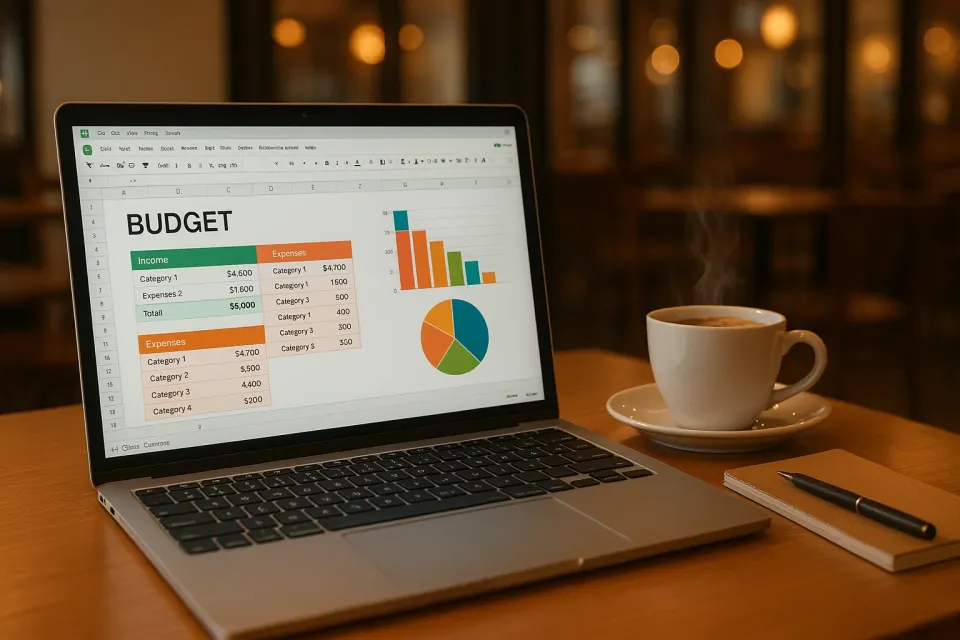
Let's face it, even well-intentioned budgets can go off the rails if you're not keeping track of your spending. Spending tracker sheets function like a GPS for your finances, showing you exactly where your money is going and how much you have left. They provide a visual representation of your cash flow that can help curb overspending and increase savings. Imagine being able to look back at the end of the month and see exactly why you went over budget—no more vague answers or guesses.
For example, if you're using a spreadsheet to track spending, you might notice that your $5 daily coffee habit is actually setting you back $150 a month. That's $1,800 a year! Wouldn't it be nice to redirect some of that cash into savings or something you really value?
How to Create a Spending Tracker Sheet
Creating a spending tracker sheet is easier than you might think. You don't have to be an Excel whiz or a spreadsheet wunderkind to make it work. Here’s a simple way to get started:
Step 1: Choose Your Tool
You can use anything from pen and paper to a more sophisticated spreadsheet program like Google Sheets. If you're leaning towards digital, this guide on using Google Sheets as an Expenses Tracker can be incredibly helpful.
Step 2: Set Up Categories
Break down your spending into categories such as groceries, dining, utilities, and entertainment. This will help you see patterns in your spending. If you're unsure what categories to start with, check out Essential Home Budget Categories for Financial Success for a comprehensive list.
Step 3: Record Transactions
Every time you make a purchase, jot it down in your tracker. Include details like the date, amount, and category. Consistency is key here; the more diligently you record, the more accurate your financial picture will be.
Step 4: Review and Adjust
At the end of each month, review your spending. Are there categories where you consistently overspend? Use this data to adjust your budget or spending habits for the next month.
Are There Pre-Made Spending Tracker Templates?
Absolutely! If starting from scratch sounds daunting, there are plenty of pre-made templates available online. In fact, Master Your Finances with a Google Sheets Personal Budget Template is a great resource if you want something ready-made.
These templates often come pre-populated with categories and formulas, taking the guesswork out of the equation. All you need to do is fill in your spending. Some may even include visual graphs to help you quickly assess your financial health.
How Often Should You Update Spending Tracker Sheets?
The frequency really depends on what works best for you, but I recommend at least a weekly check-in. It's enough to keep you aware without feeling overwhelming. For instance, I find that updating my tracker every Sunday evening allows me to start the week with a clear understanding of my finances. Plus, it’s a great time to reflect on the week’s spending and make adjustments if necessary.
Frequently Asked Questions
How do I make a spending tracker sheet in Google Sheets?
To create a spending tracker in Google Sheets, start by setting up columns for Date, Category, Description, and Amount. Use simple formulas to total your spending in each category. If you need a more detailed guide, check out How to Use Google Sheets as an Expenses Tracker.
What should I include in my spending tracker sheet?
Include columns for the date of the transaction, the category of spending, a brief description, and the amount spent. Additional columns for notes or payment method can also be helpful.
Are there apps better than spending tracker sheets?
While tracker sheets are great for seeing the big picture, budgeting apps can offer real-time updates and notifications. If you're interested in exploring apps, Best AI Budgeting Apps for 2024 compares top choices.
Can spending tracker sheets help save money?
Yes, by providing detailed insight into your spending habits, tracker sheets can help you identify areas to cut back, thereby increasing your savings.
Is there an automated way to track spending?
If you're looking for an automated solution, KlutterAI can streamline the tracking process by automatically categorizing and summarizing your expenses for you.
Keeping a close eye on your finances doesn't have to be a chore. Spending tracker sheets are a simple, effective way to keep tabs on your money, helping you save more and stress less. If manual tracking seems like a lot of work, give KlutterAI a try for automated assistance.