Master Personal Finance with Excel Budget Templates
Create your own personal finance budget using an Excel template to manage your money better. Learn how to set up, customize, and benefit from this tool.
Master Personal Finance with Excel Budget Templates
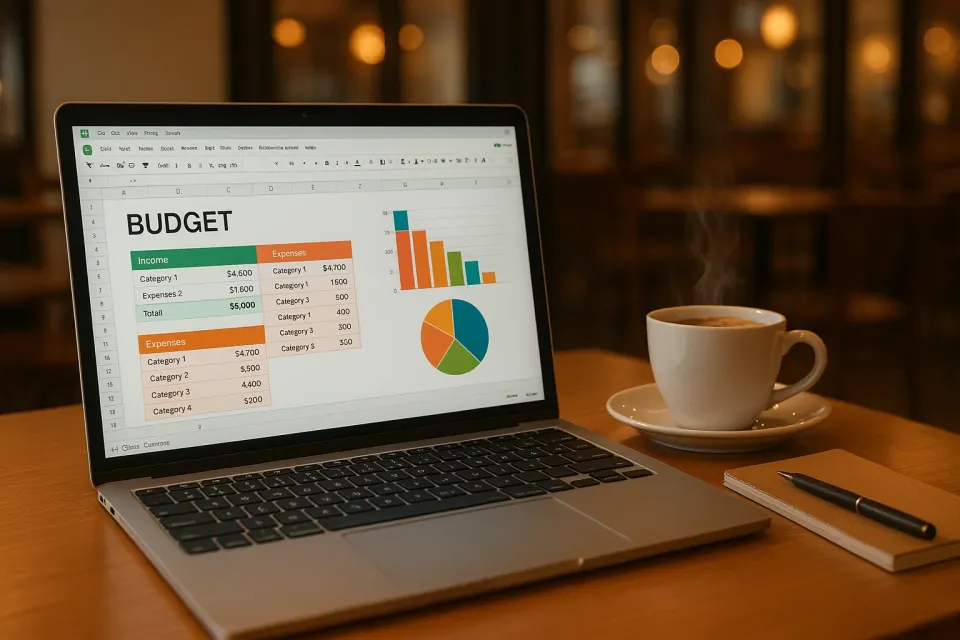
When I first started my journey into personal finance, Excel was my go-to tool for budgeting. I mean, who can resist those endless grids and formulas that seem to hold the key to financial freedom? Creating a personal finance budget Excel template is like giving yourself a financial makeover, and if you haven't tried it yet, you're in for a treat.
Why Use a Personal Finance Budget Excel Template?
Let's face it, managing money can be overwhelming. But with a well-crafted Excel budget template, you're not just tracking numbers—you're telling your financial story. It's like having a financial personal planner right on your screen, helping you make sense of where your money goes each month.
Excel templates are highly customizable, allowing you to tailor them to your unique spending habits. Whether you want to track your groceries or plan for a vacation, a good template will give you a clear picture of your financial health. Plus, there's something incredibly satisfying about seeing all your information neatly organized in one place.
How to Create a Personal Finance Budget Excel Template
Alright, let's roll up our sleeves and dive into building your template. The beauty of Excel is its flexibility. Start with these basic steps:
Set Up Your Categories
First off, think about the categories you'll need. Common ones include housing, transportation, food, and entertainment. I recommend checking out Mastering Budgeting Categories for Financial Success for a deeper dive into setting effective categories.
Input Your Income
List all sources of income at the top of your spreadsheet. This gives you a starting point for your monthly budget. Include your salary, side gigs, or any other income streams.
Track Your Expenses
Here's where the magic happens. Start inputting your monthly expenses under each category. In my experience, breaking down each category can help you spot trends and areas for saving. For example, if you're spending $400 per month on groceries, consider meal planning to cut costs.
Use Formulas for Balance
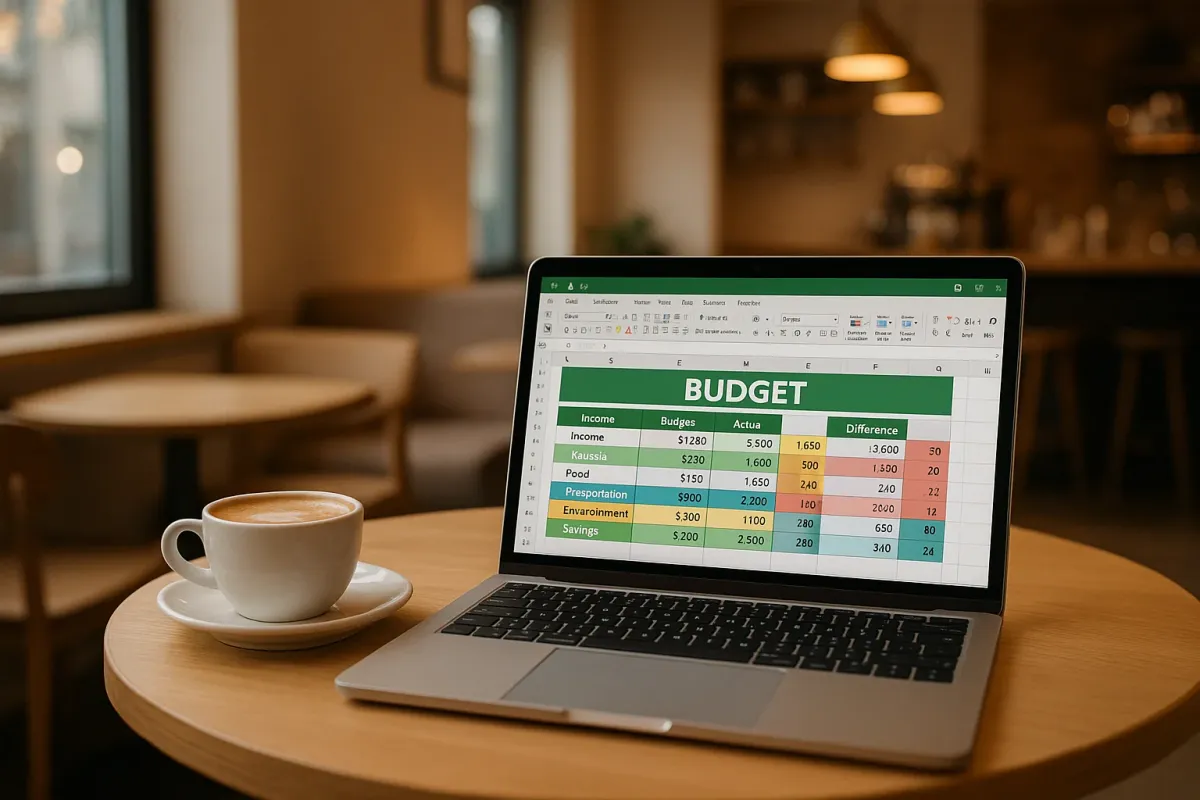
Excel’s formulas are your best friend here. Use them to calculate totals, differences, and percentages. For instance, a simple SUM formula can tally up all your expenses, while a subtraction formula can show you how much money you have left after expenses.
Analyze and Adjust
Once your template is set up, analyze your spending. Are you sticking to your budget or do you need adjustments? This is a good time to refer to Why You Need a Financial Personal Planner for tips on planning and adjustments.
What Are the Benefits of Using an Excel Budget Template?
Customization
The biggest advantage of Excel is its customization capabilities. Unlike apps that may have limited flexibility, Excel allows you to create a template that suits your specific needs. You can adjust categories, add notes, and even color-code expenses to make analysis easier.
Cost-Effective
Let's be real: We're all looking to save money wherever we can. Excel is a cost-effective solution because most of us already have access to it, either through work or a personal subscription.
Data Security
Your financial data is sensitive, and Excel allows you to keep your information safe on your personal devices, away from third-party servers.
How Do I Transition from Using Apps to Excel?
Switching from apps to Excel might seem daunting, but it can be a rewarding experience. If you're used to the convenience of apps, you might want to start by checking out Top Apps to Track Spending: Your Ultimate Guide. You can still use apps for quick tracking and import data into Excel for a more comprehensive analysis.
Start Small
Begin by using Excel to track one category of your expenses. As you become more comfortable, expand to include more categories, eventually transitioning to full-scale budgeting in Excel.
Use Pre-made Templates
For those who aren't quite ready to dive into creating templates from scratch, there are many pre-made options available online. These can give you a head start and a feel for using Excel for budgeting.
Frequently Asked Questions
How do I create a personal finance budget in Excel?
Start by listing all your income sources and expenses in separate columns. Use categories like housing, food, and entertainment to organize your expenses. Utilize Excel's formulas to calculate totals and remaining balances.
Why should I use Excel instead of budgeting apps?
Excel offers unmatched customization and data security. It's a versatile tool where you can create a budget tailored exactly to your needs and keep your data private.
Can I use Excel on my phone for budgeting?
Yes, Excel is available as an app for both iOS and Android, allowing you to update and view your budget on the go.
Conclusion
Creating a personal finance budget Excel template is a game-changer for anyone serious about managing their finances. It provides a detailed view of your financial health and keeps you accountable. If you want something that handles this automatically, KlutterAI does all the heavy lifting with real-time updates and insights. So, give Excel a try—you might just fall in love with those cells and formulas.