Master Your Finances with a Google Sheets Personal Budget Template
Master your finances with a Google Sheets personal budget template. Customize, track, and save with these practical tips for financial success.

Setting up a personal budget is like giving your money a GPS—it tells your dollars where to go so you're not left wondering where they went. Google Sheets offers a flexible and free way to maintain control over your finances, and creating a personal budget template can really set the stage for financial success.
Why Use a Google Sheets Personal Budget Template?
I've come across many budgeting tools over the years, and while some fancy apps have their place, Google Sheets remains a steadfast ally. It's free, highly customizable, and integrates seamlessly with the Google ecosystem. You can start from scratch or find a pre-made template to tweak, depending on your needs.
Imagine you're planning a road trip. Wouldn't you map out the best route? A Google Sheets budget template is like that map, showing you how to allocate your funds every month. Plus, with the power of Google Sheets, you can easily track spending, adjust categories, and see where your money is going at a glance.
How to Set Up a Basic Google Sheets Personal Budget Template
- Start with Your Income: Create a section at the top of your sheet for all your income sources. Maybe you get paid bi-weekly, have a side hustle, or earn interest from savings. List them all here.
- List Your Expenses: Break these down into categories like housing, utilities, food, transportation, and entertainment. This is where you'll want to be specific. For instance, if you spend about $400 a month on groceries, track that separately from your dining-out expenses.
- Calculate Your Net Income: Subtract your total expenses from your income. This will show you if you're living within your means or if adjustments need to be made.
- Track and Adjust: Over time, track your actual spending against your budgeted amounts. Google Sheets makes it easy to adjust categories as needed. If you consistently overspend on coffee (and who doesn't?), you can move funds from other areas or find ways to cut back.
For more advanced users, consider integrating your Google Sheets with an expenses tracker to automate inputting transaction data.
Customizing Your Budget Template
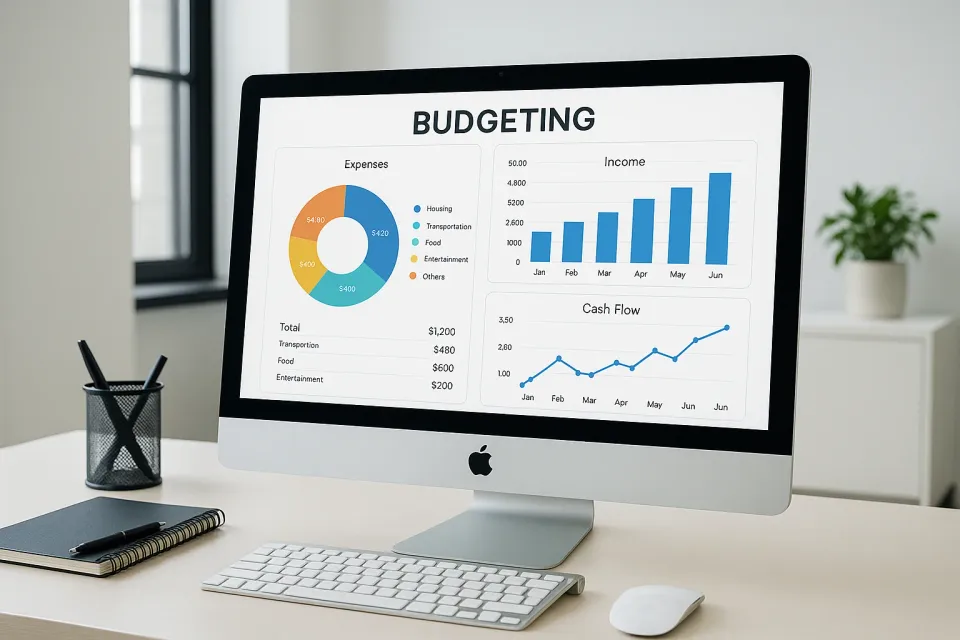
One of the best things about Google Sheets is how customizable it is. You can create graphs, use conditional formatting to highlight overspending, or even connect it with other tools. For those who love visuals, graphs can provide a 'picture of budget success' by clearly showing income versus spending trends. Check out this guide for more ideas on visualizing your budget.
You can also integrate formulas to calculate savings necessary for specific goals or use it to track debt payoff, which is crucial for financial freedom. If you're keen on tackling debt, I've found this debt payoff plan guide invaluable.
Is a Google Sheets Personal Budget Template Right for You?
If you like having a hands-on approach to managing your finances, a Google Sheets budget template might be just the ticket. It’s ideal if you enjoy tweaking and customizing your budget, and it doesn't hurt that it's cost-free. Plus, as I’ve discovered, having your budget in a spreadsheet often makes the numbers feel more real and actionable.
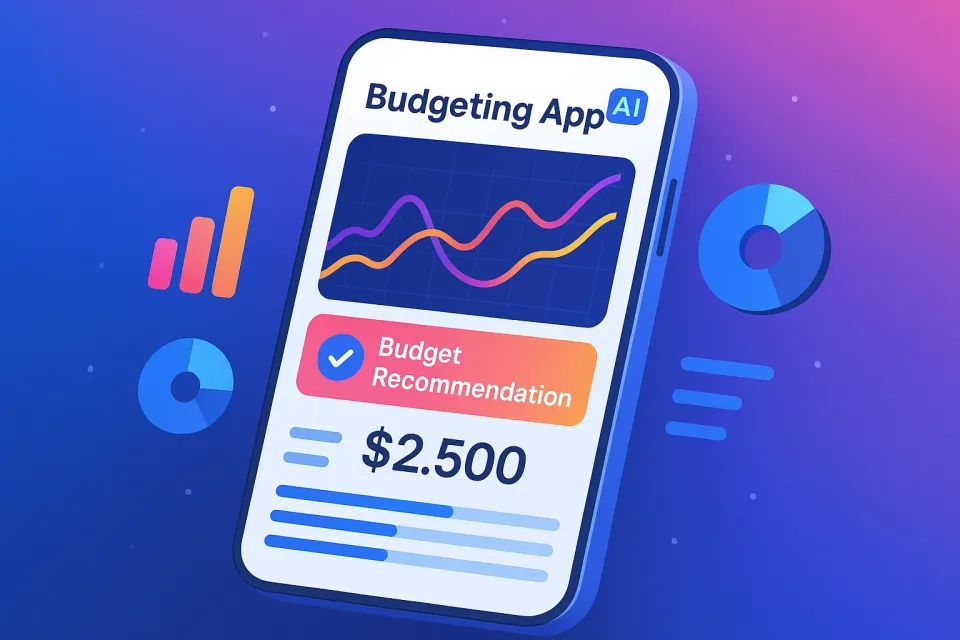
For those who prefer less manual work, consider using an AI-powered tool like KlutterAI to manage your budget automatically while integrating insights from your Google Sheets data.
Frequently Asked Questions
How do I create a personal budget in Google Sheets?
Start by listing your income and all your expenses. Use formulas to subtract expenses from income and duplicate this setup monthly to track trends over time.
Are there free Google Sheets budget templates available?
Yes, Google Sheets offers a variety of free templates. You can find them by opening Google Sheets, clicking on "Template gallery," and selecting "Personal." You can also customize these templates further to suit your needs.
Can Google Sheets automatically update my expenses?
Not directly, but you can integrate Google Sheets with other financial tools or KlutterAI for automatic expense tracking.
How can I visualize my budget using Google Sheets?
You can create charts and graphs directly in Google Sheets. Highlight the data, then click "Insert" and choose the type of chart that best represents your financial data.
Wrap-Up
Setting up a Google Sheets personal budget template can seem daunting at first, but it’s a skill worth mastering for financial success. It’s flexible, free, and gives you full control over your finances. If you want something that handles this automatically, KlutterAI does an excellent job of integrating various financial data points into one cohesive view.